Palo Alto Cortex Executor
The Palo Alto Cortex Executor runs OpenAEV implants through the Cortex agent already deployed on your endpoints, with scripts from the Agent Script Library.
Enterprise Edition
This Executor requires an Enterprise Edition license. See Executors.
On Windows, Palo Alto Cortex trusts its own process tree, so OpenAEV creates a scheduled task to detach the process that runs the Threat Arsenal Actions.
Configure the Palo Alto Cortex platform
Upload OpenAEV scripts
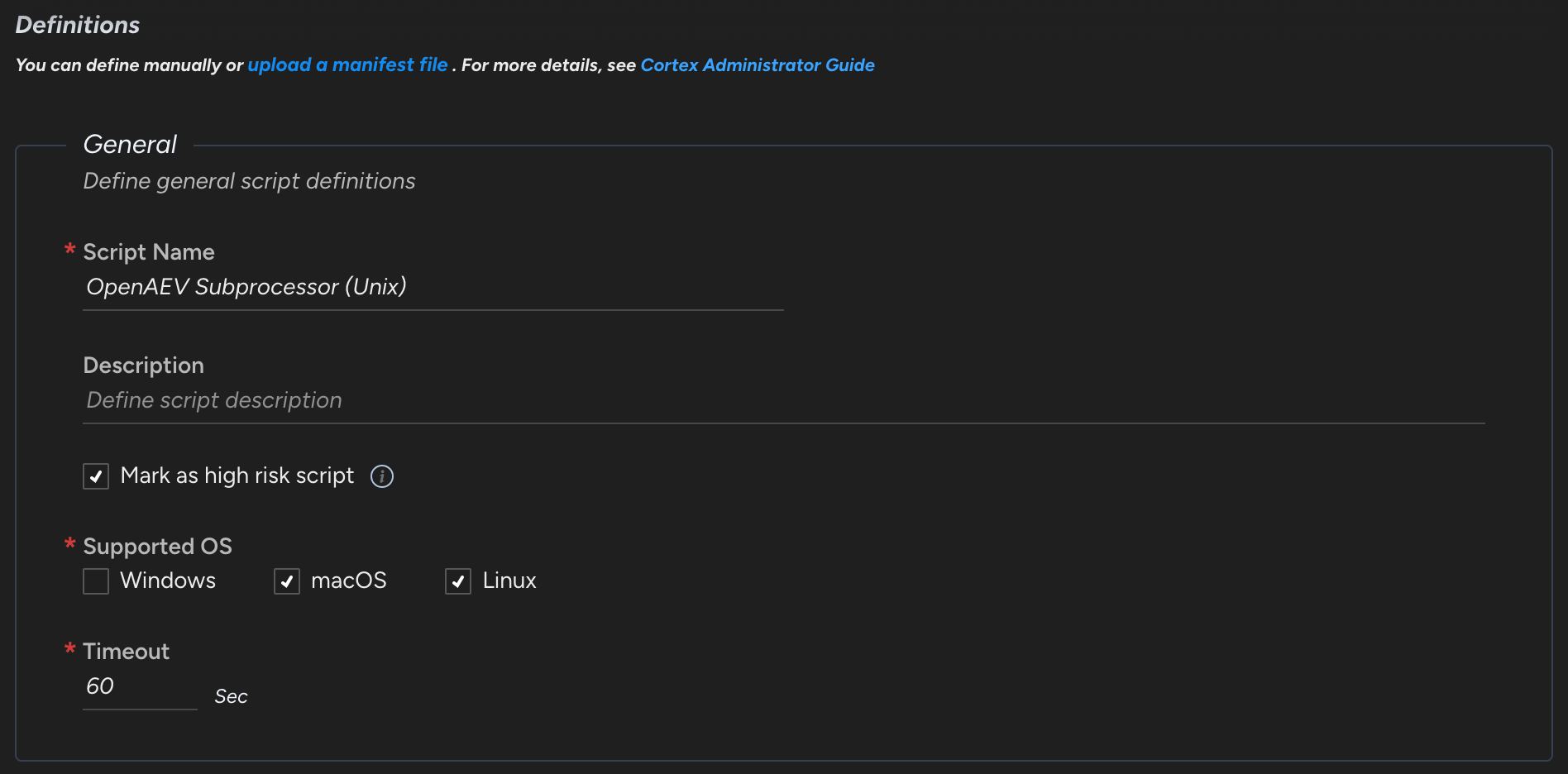
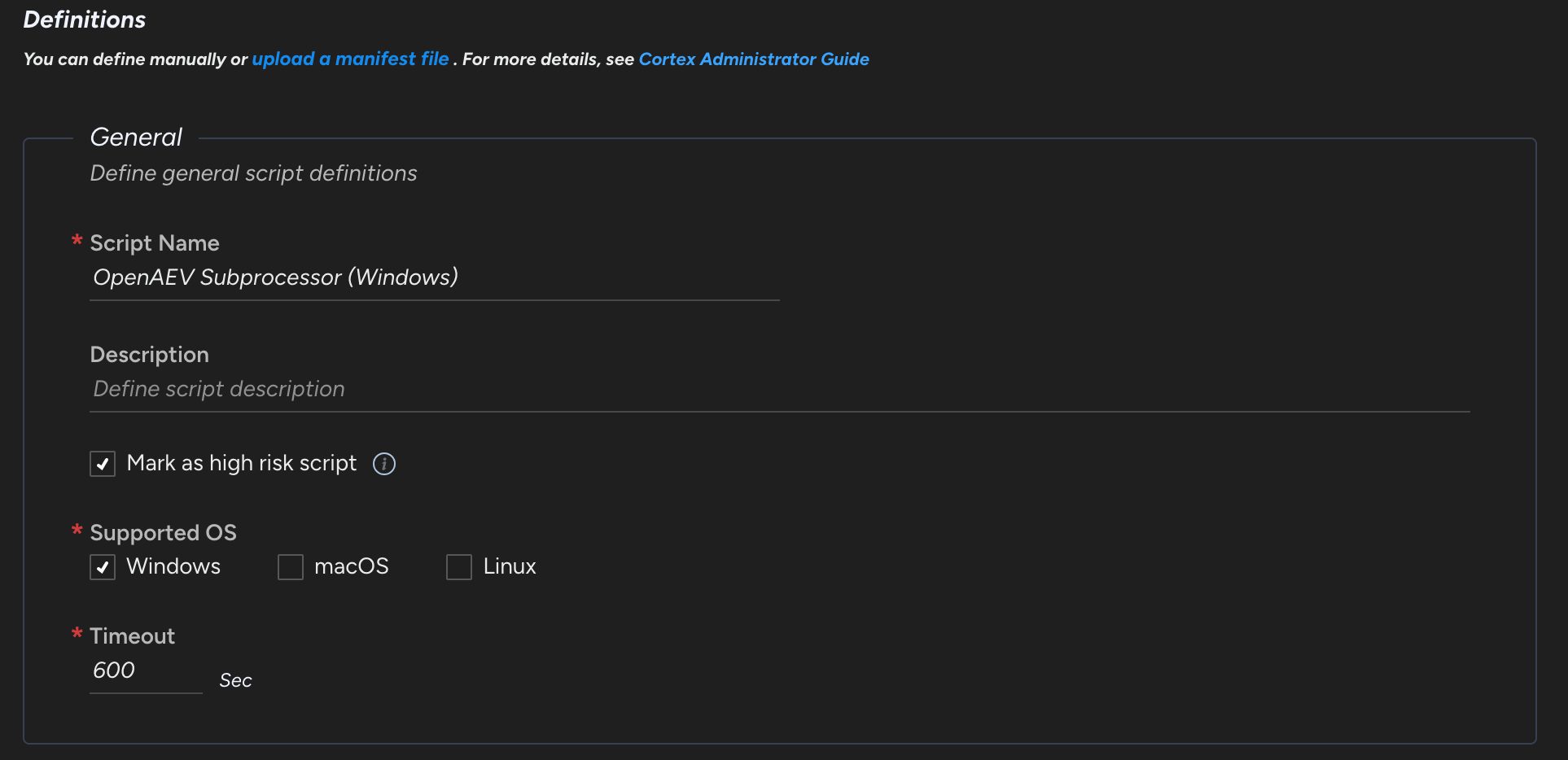
Create two custom scripts, one for Unix (Linux and macOS) and one for Windows, in Investigation & responses > Action Center > Agent Script Library > + New Script. You can rename them: their IDs go in the OpenAEV configuration. To see the IDs, add the Script UID column to the scripts list.
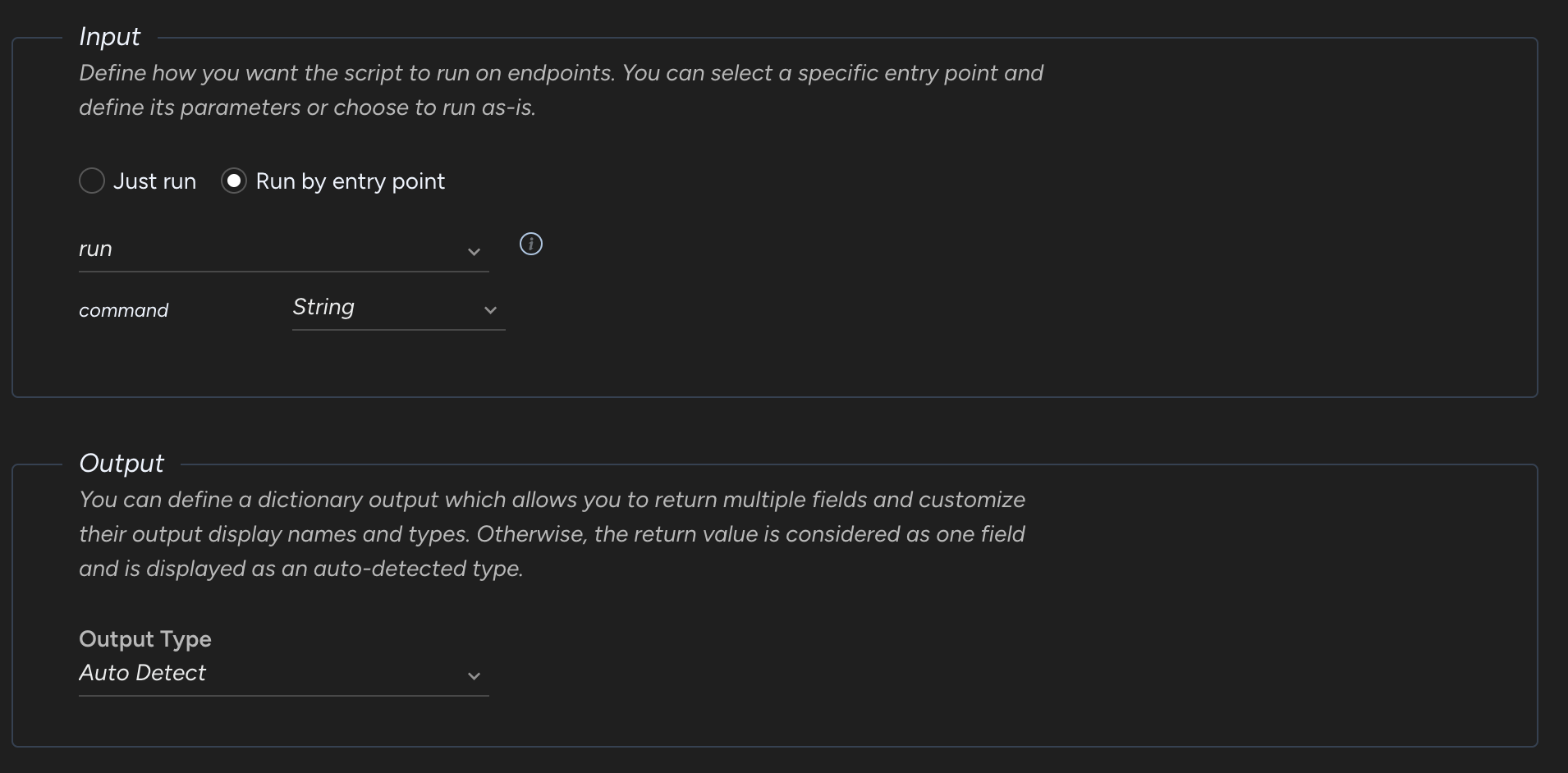
Unix Script
Upload this Python script:
Input schema:
Windows script
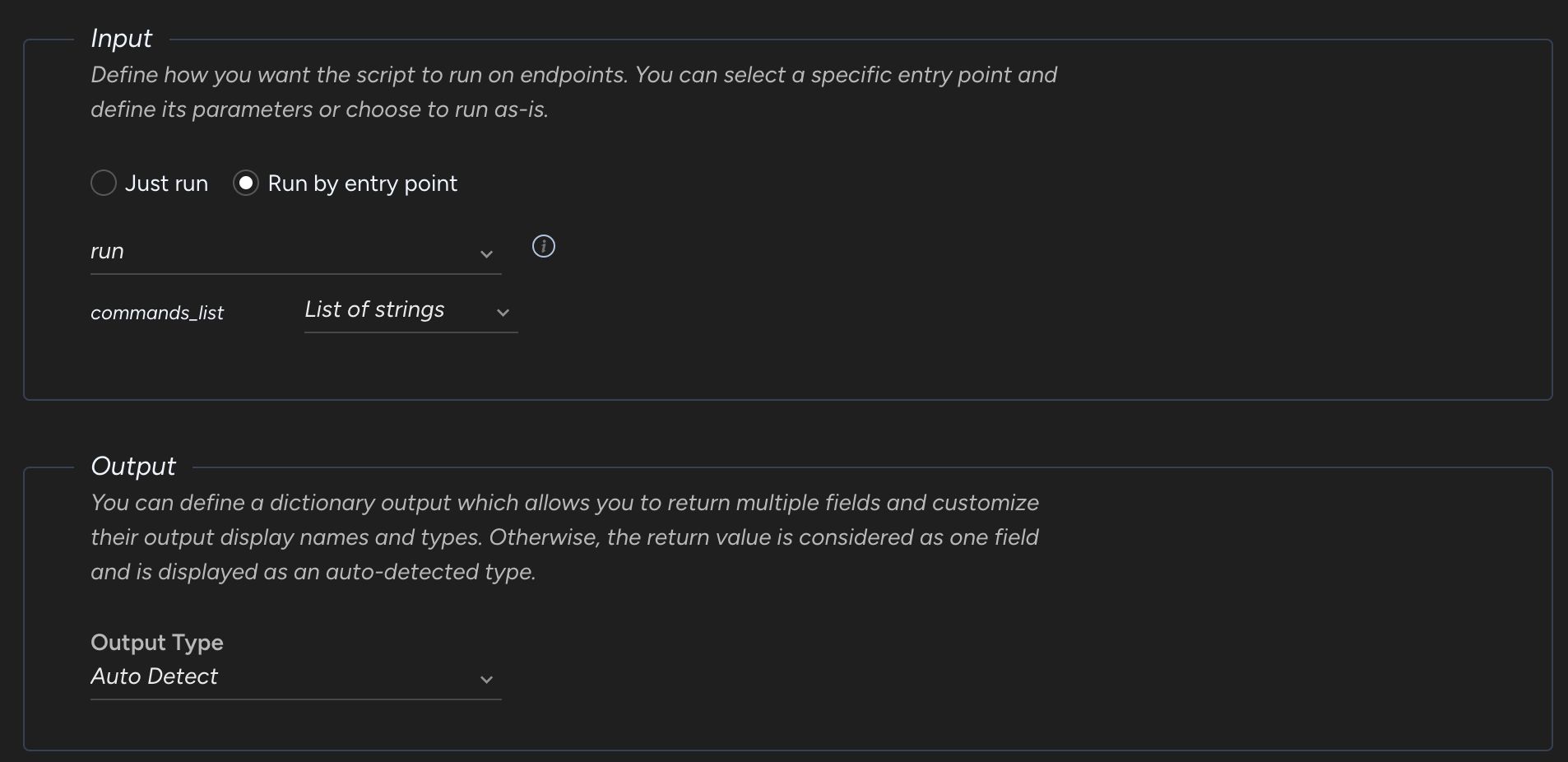
Upload this Python script:
Input schema:
Create a group with your targeted Assets
Go to Inventory > Endpoints > Groups.
Configure the OpenAEV platform
Palo Alto Cortex API Key
Create the API key in Settings > Configurations > API Keys with at least the "Instance Administrator" role and the "Standard" security level.
Checks
Assets and asset groups from the selected groups appear in OpenAEV:

What's next?
- Executors -- Compare Executors, implant cleanup and troubleshooting
- Inject status -- Understand Inject results and timeouts