Lessons
Lessons let you create customizable surveys that collect qualitative feedback from Players after a Scenario or Simulation. Each survey is composed of categories and questions that you define.
Why use Lessons?
- Capture qualitative feedback that complements the quantitative results of a Scenario or Simulation
- Identify gaps in processes, communication, or awareness that technical metrics alone cannot reveal
- Automate the lessons-learned step that is often overlooked in Breach and Attack Simulations
Enable the Lessons module
Lessons are an optional module. On a new Scenario or Simulation the module is disabled, and the Lessons Learned tab is not displayed.
To enable it:
- Open the Scenario or the Simulation
- Click on the menu in the top right-hand corner, then select ‘Update’
- In the Modules section, turn on Enable lessons learned.
- The Lessons learned tab appears on the Scenario or Simulation
Note
Scenarios and Simulations created before the module became optional keep Lessons enabled when they already had lesson categories, objectives, or an anonymised questionnaire. All others start disabled
Tip
Managing lesson templates in Settings > Customization > Lessons learned requires the lessons-learned access capability. Without it the menu entry and the template picker are hidden, even when the module is enabled
Use Lessons with Scenarios and Simulations
- Time-based Scenarios and Simulations use the Teams already configured on the Scenario or Simulation
- Chained Scenarios and Simulations use the teams defined in the run scope, so the Lessons target picker shows the same audience you selected for the chain
The rest of the workflow is the same: create categories and questions, apply a template, and send the survey to the selected Teams
Create a lesson template
To create a new lesson template, follow these steps:
- Click the + button at the bottom right corner of the screen.
- Give your new lesson template a name.
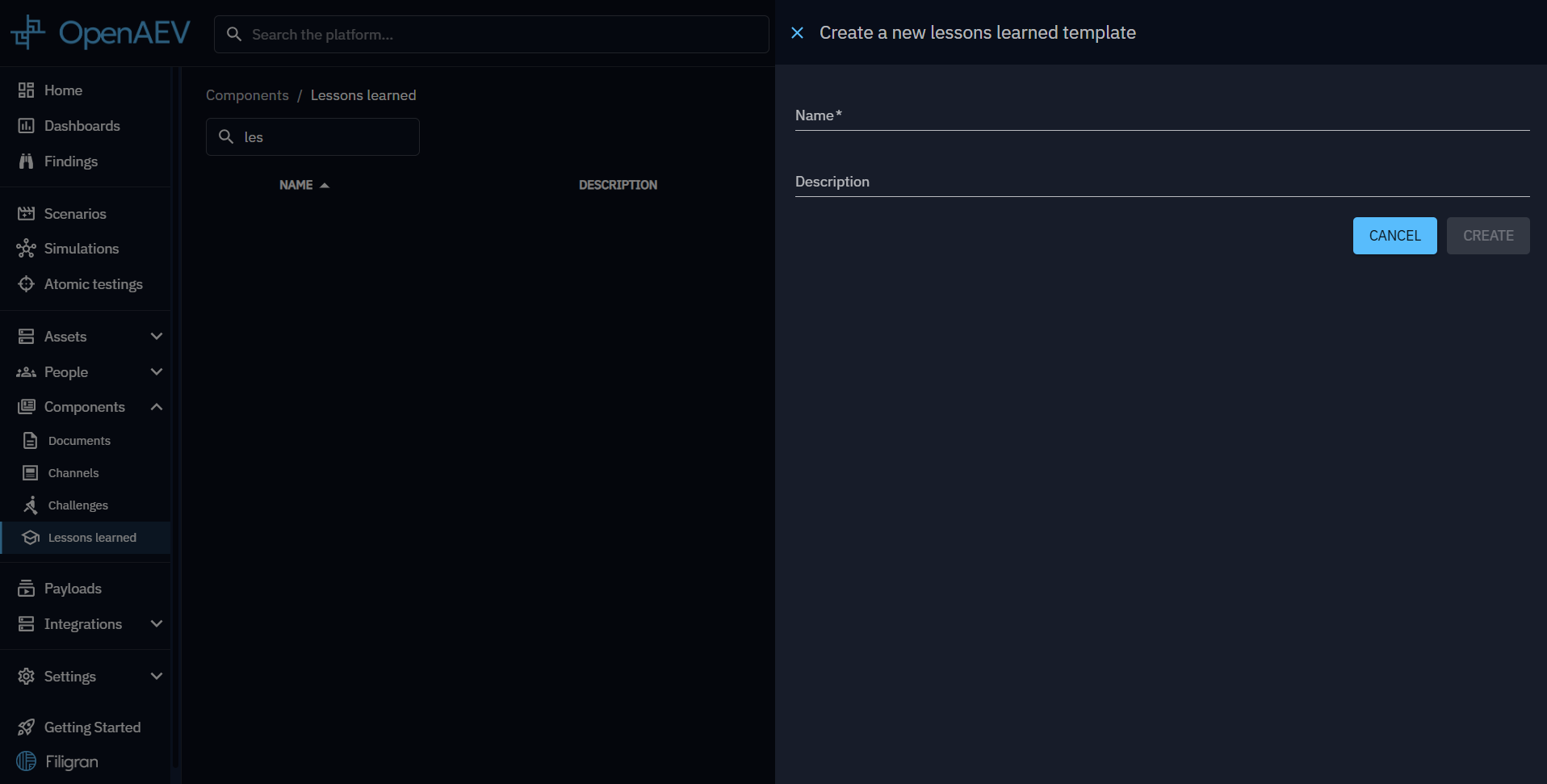
Once completed, your new lesson will appear in the lesson learned list.
Create a category
To create a new category, follow these steps:
- Click the + button at the bottom right corner of the screen
- Give your new category a name and an order to organize your categories
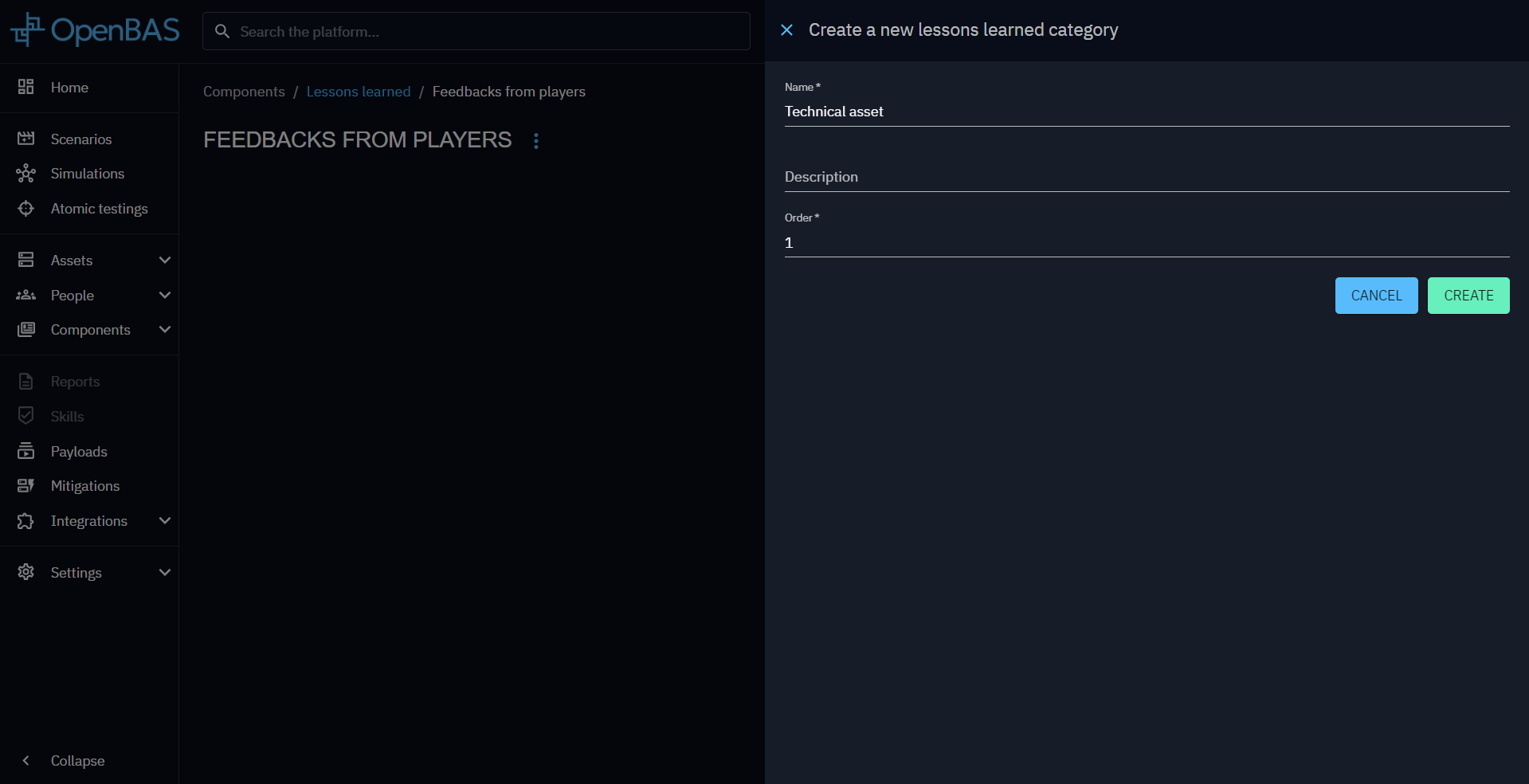
Create a question
To create a new question, follow these steps:
- Click the + button at the bottom of your category
- Give your new question a content and an order to organize your questions
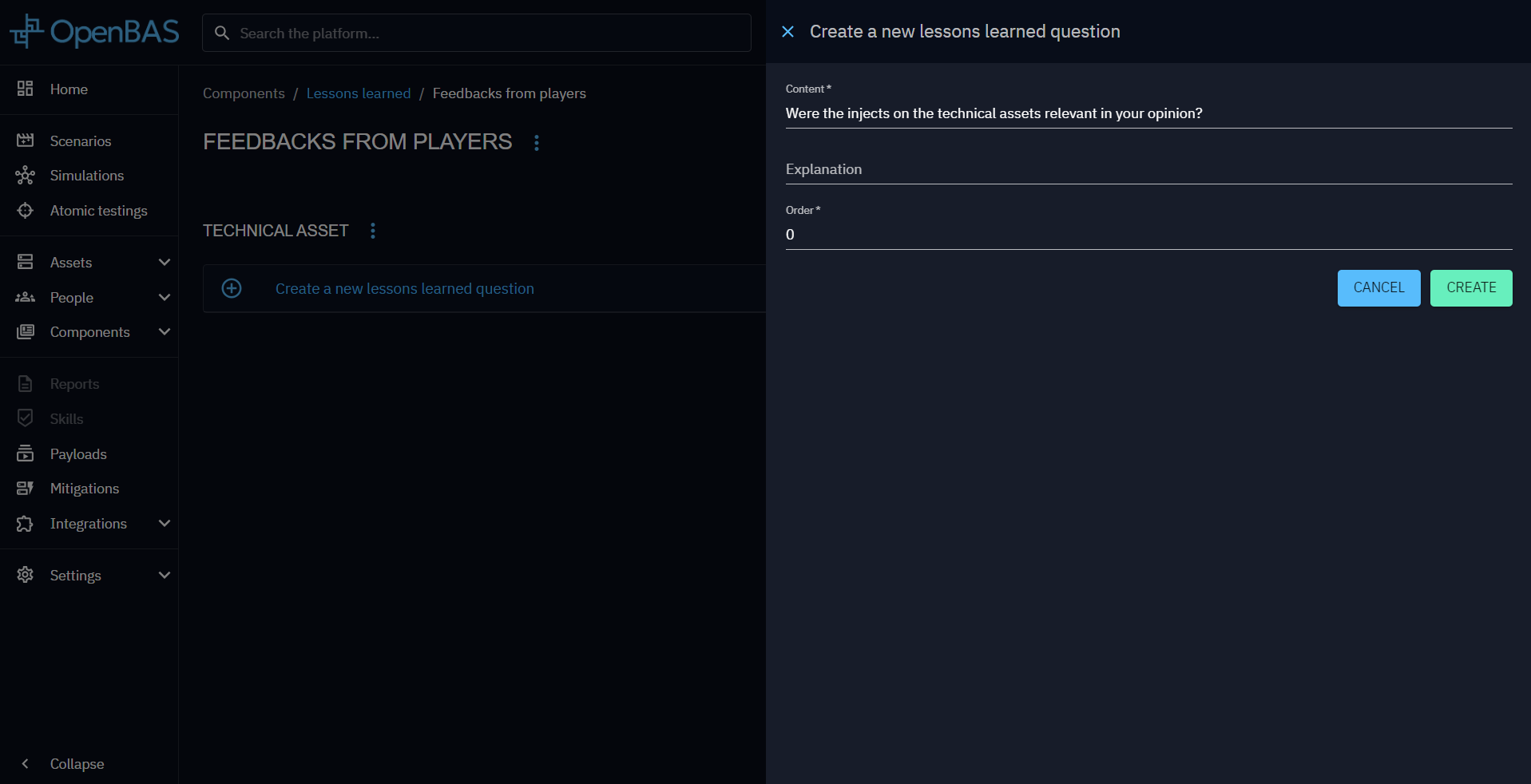
Use a lesson template
Use lesson templates in the Lessons learned tab:
- Apply a new template
- Add relevant teams to the most pertinent categories
- Send your survey to collect feedback
By integrating lesson templates into your Simulations, you can gather valuable insights and improve the effectiveness of your Breach and Attack Simulations.
What's next?
- Simulations -- Launch Simulations and collect Player feedback
- Scenarios -- Build Scenarios that include lessons-learned surveys
- People -- Manage the Players and Teams who will respond to surveys