Variables
Variables let you insert dynamic values into Injects so that each Player receives personalized content. OpenAEV provides built-in variables for common fields (email address, exercise name, etc.) and lets you create custom variables for anything else.
Why use Variables?
- Personalize email and SMS Injects with Player-specific data without duplicating content.
- Define reusable tokens that keep Scenario definitions clean and maintainable.
- Combine variables with FreeMarker list syntax to iterate over Teams or articles.
Built-in variables
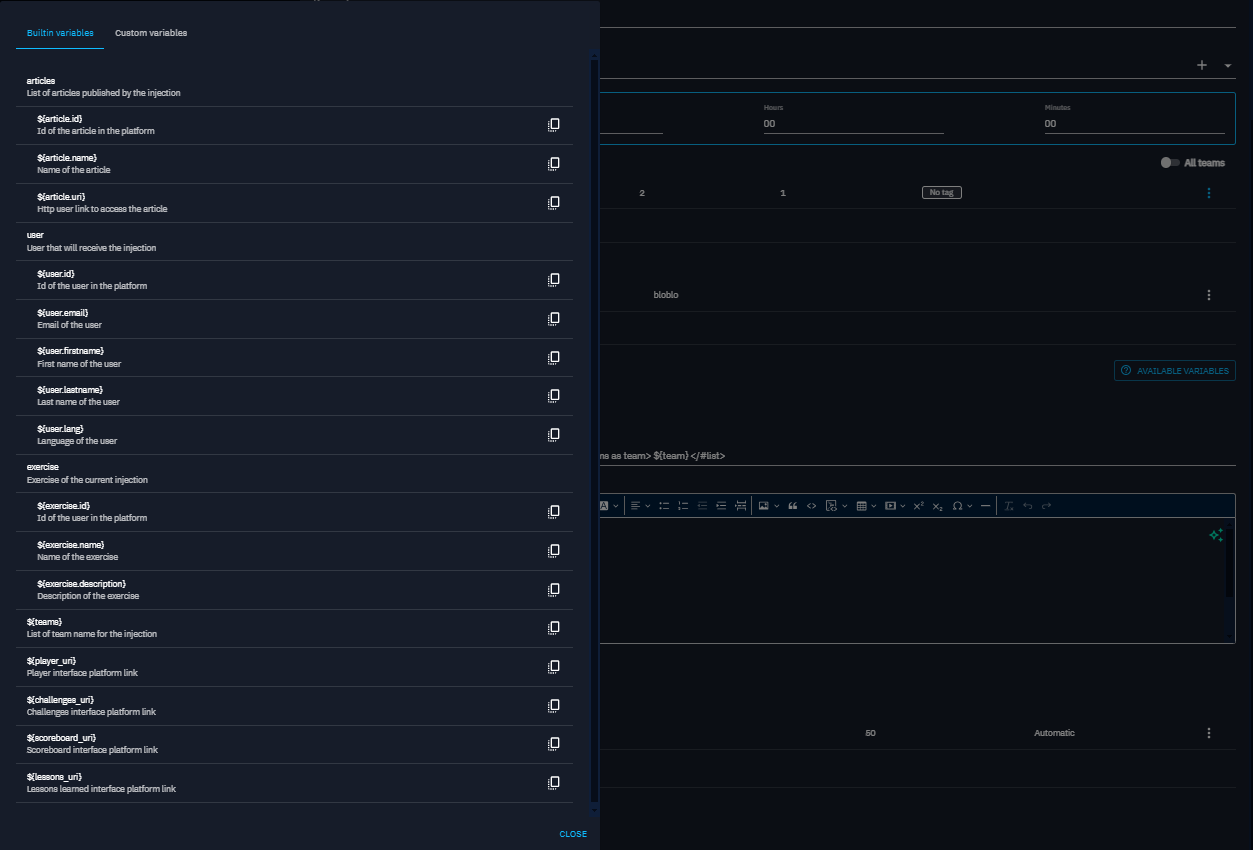
Within certain Injects, you can use a set of predefined built-in variables to dynamically customize content. Examples of built-in variables include:
- ${user.email}: Represents the email of the target user
- ${exercise.name}: Represents the name of the current exercise
- ${player_uri}: Represents the player interface platform link
- ${teams}: Represents the list of team name/s for the injection
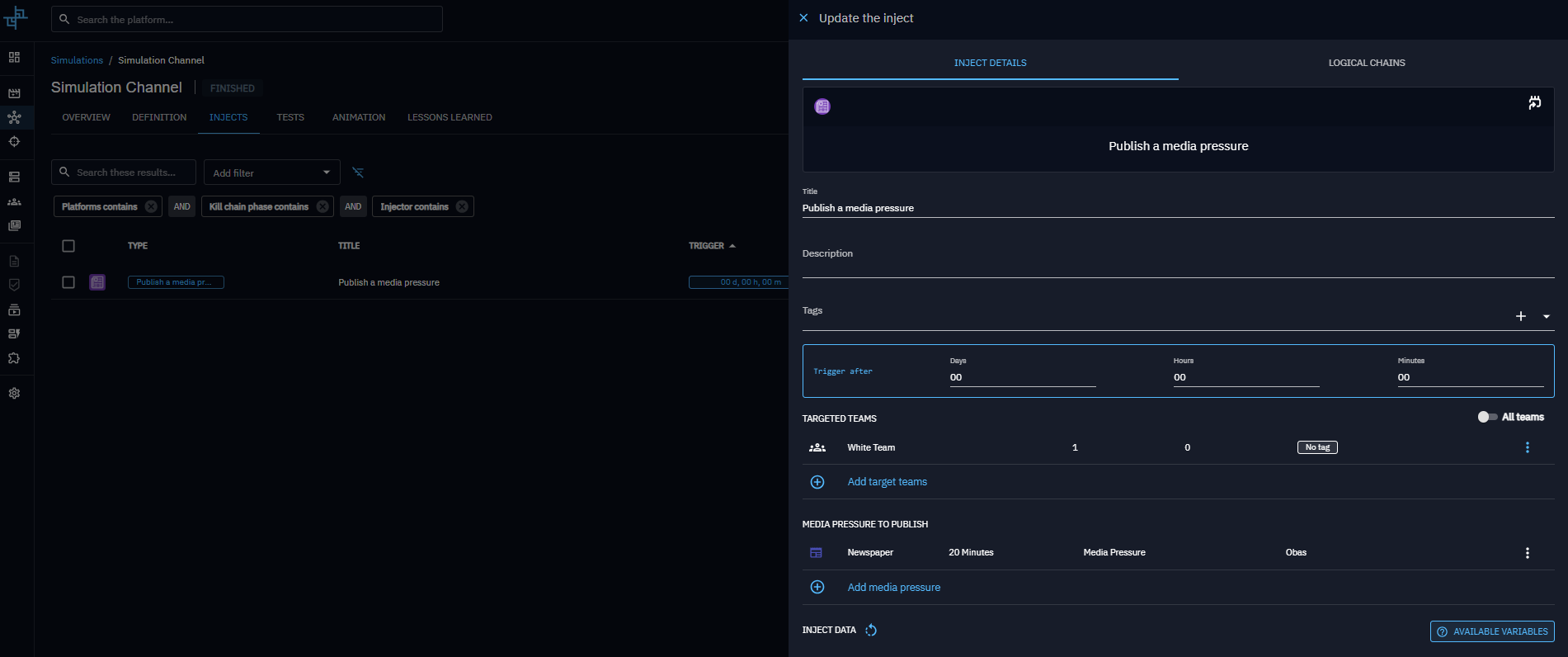
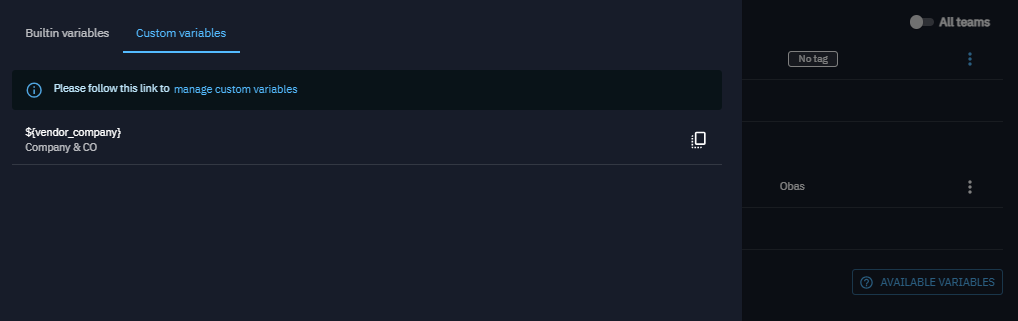
The list of available variables is found in the definition of the Inject:
Custom variables
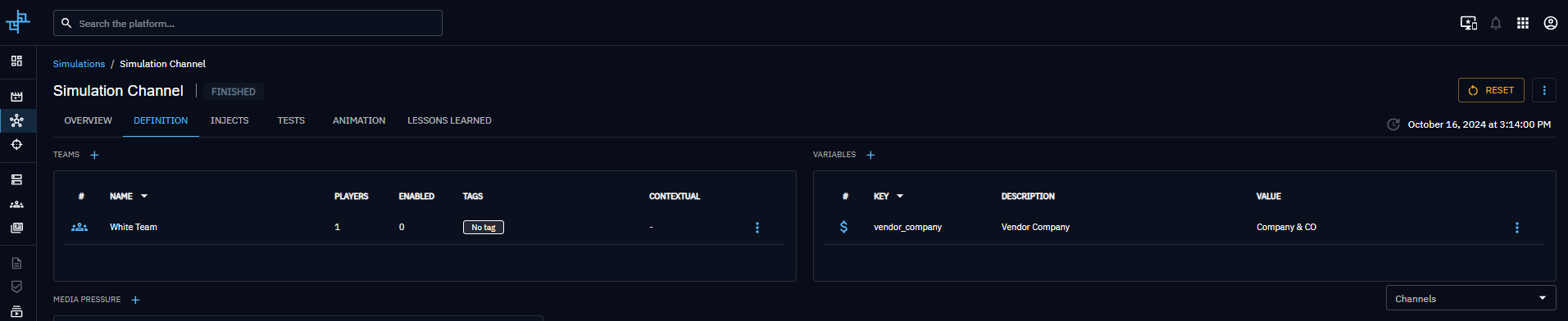
In addition to built-in variables, you can define your own variables within an exercise.
To define custom variables:
- Select an exercise.
- Navigate to the Definition tab.
- Navigate to the Variables section.
From this section, you can create, update, or delete custom variables.
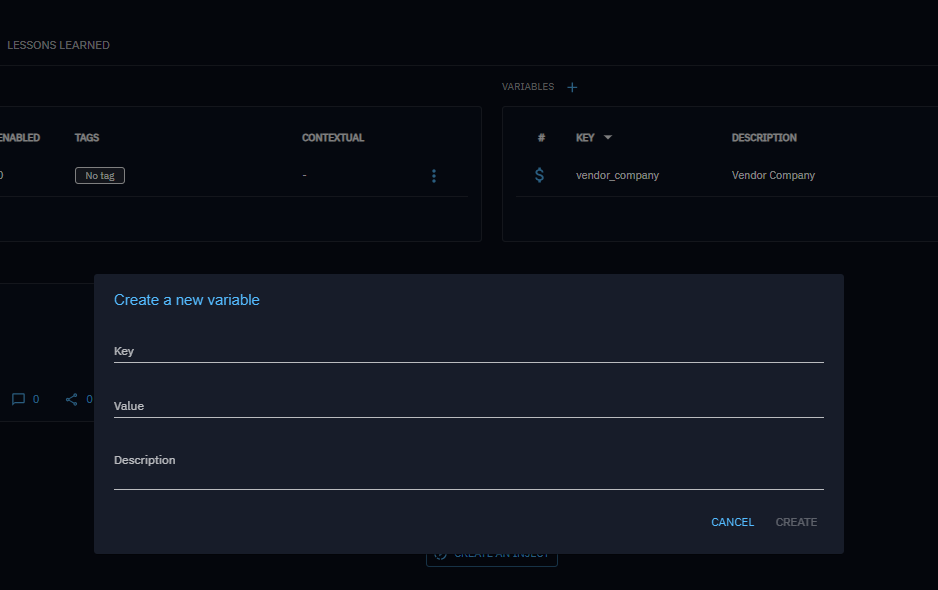
Limitations
To create custom variables, consider the following limitation:
- Only lowercase characters and
_are authorized for the key value - Variable value can only be string
Use variables
These variables can be used to enhance personalization of certain injects within an exercise. Here is a non-exhaustive list of concerned injects : - Email sending - Sms sending
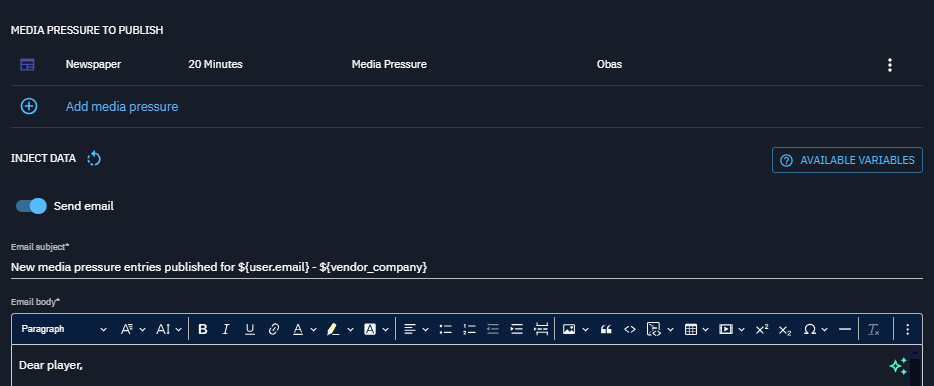
In case of a list like articles, which is a list of articles with properties such as id, name, and uri, or ${teams}, you could write:
What's next?
- Scenarios -- Define custom Variables for your Scenarios
- Injects -- Use Variables to personalize Inject content
- Built-in Injects -- Overview of Injectors that support Variables (Email, SMS)